1
Plug in the USB reader
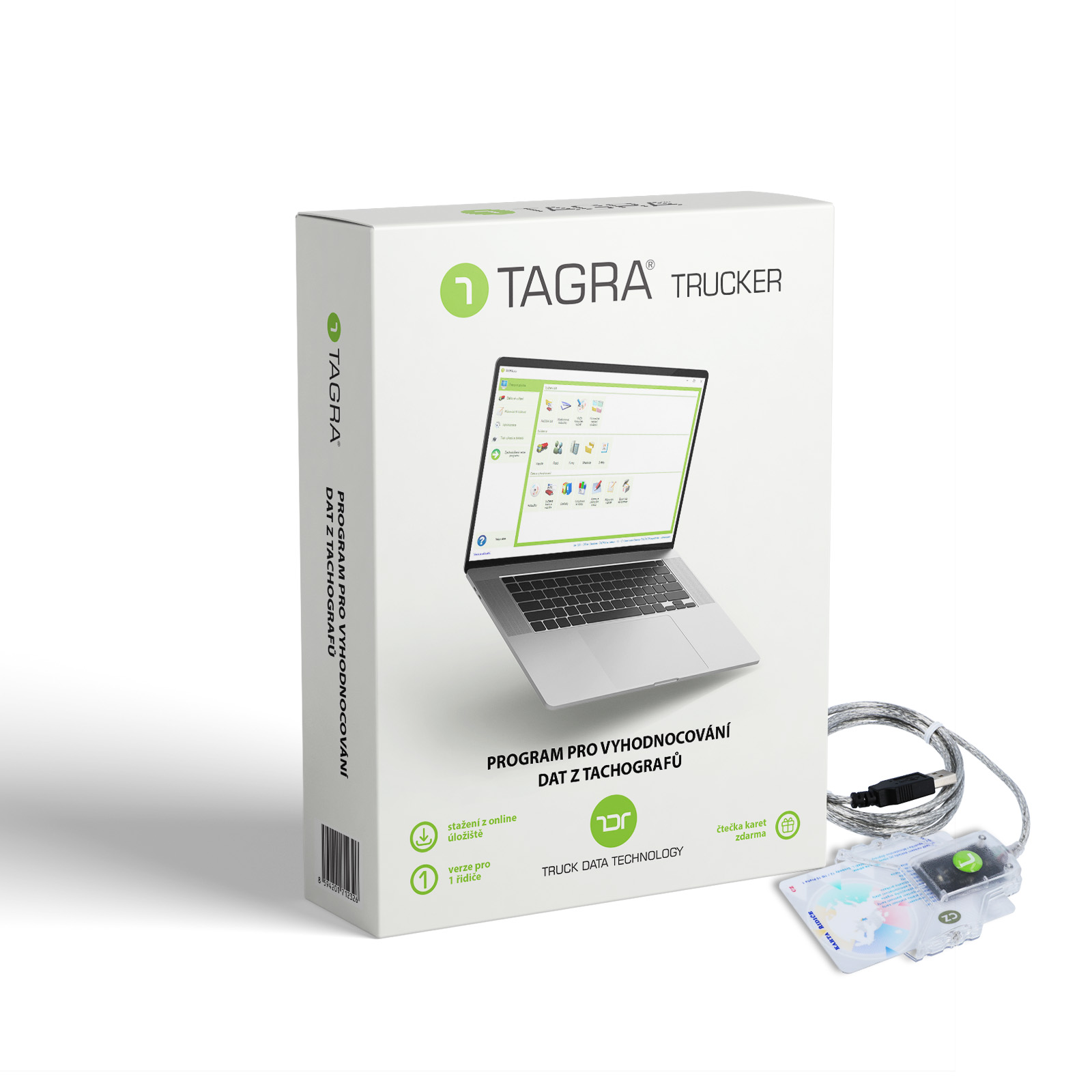
Insert your USB card reader into your PC or laptop. No extra software needed.
2
Insert your driver card
TAGRA performs the driver card download automatically. All data loads in seconds.
3
See your data
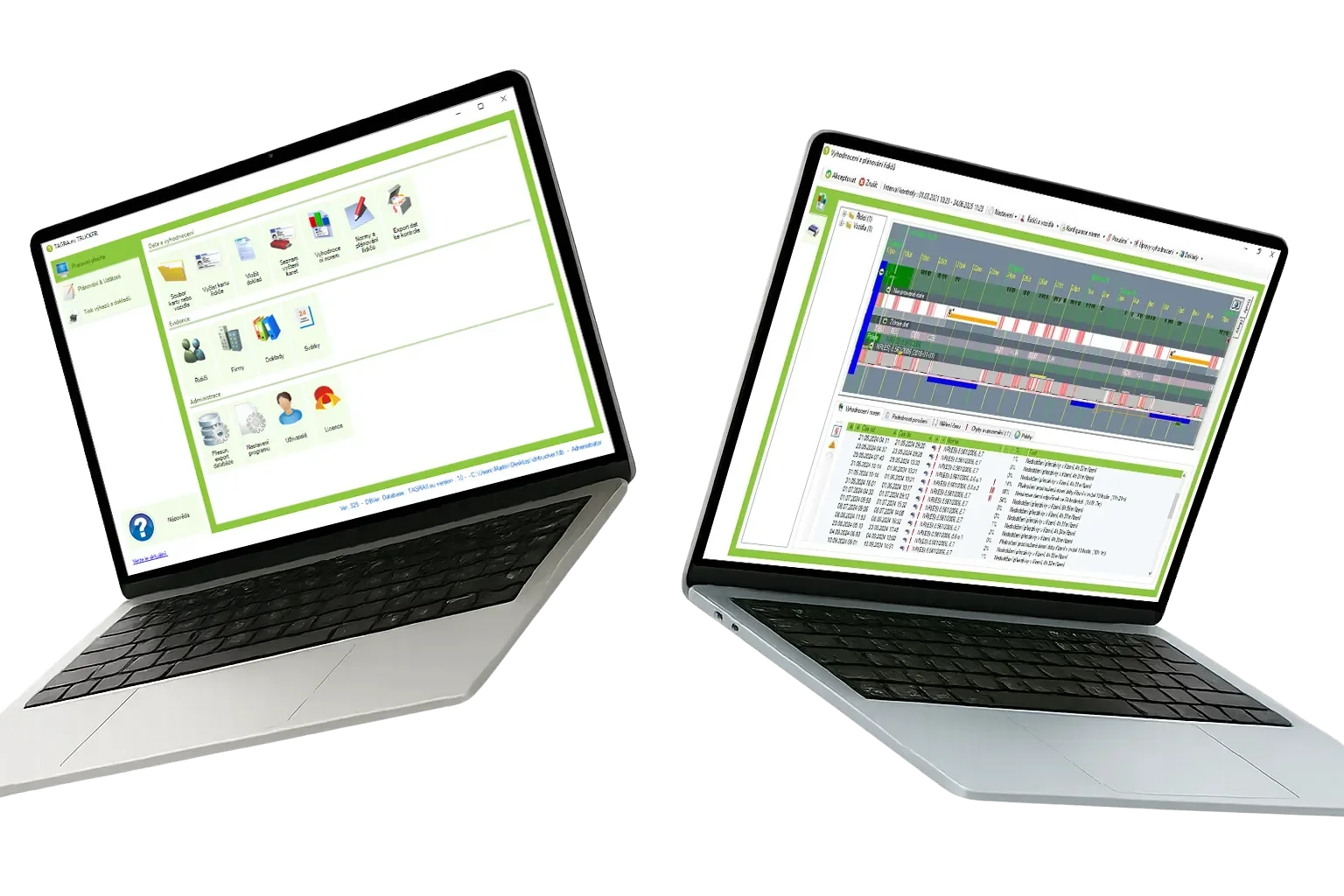
Driving times, breaks, rest periods — clear overview. Ready for any inspection.
Good to know
The download obligation rests on the transport undertaking — not the driver
Under EU law, the duty to download tachograph data rests with the transport undertaking — the carrier or company that operates the vehicle (Regulation (EU) No 165/2014, Article 33). The maximum intervals are at least every 28 days for the driver card and at least every 90 days for the vehicle unit (Commission Regulation (EU) No 581/2010).
If you drive for an employer, the obligation is on them — but you still benefit from keeping your own copies. TAGRA Trucker downloads and archives your driver card data so you can check your own driver's hours and have your records ready if you ever change employer.
If you are a self-employed driver or owner-operator, you are also the transport undertaking — so you are legally required to download driver card data and vehicle unit data. For that you need at least TAGRA 1, which handles both driver card and vehicle unit downloads for one vehicle. TAGRA Trucker alone is not sufficient in this case.
New here? Read our reference guide on tachograph symbols and their meaning — the four activity icons every driver must know.