How it works
Simple process.
Full compliance.
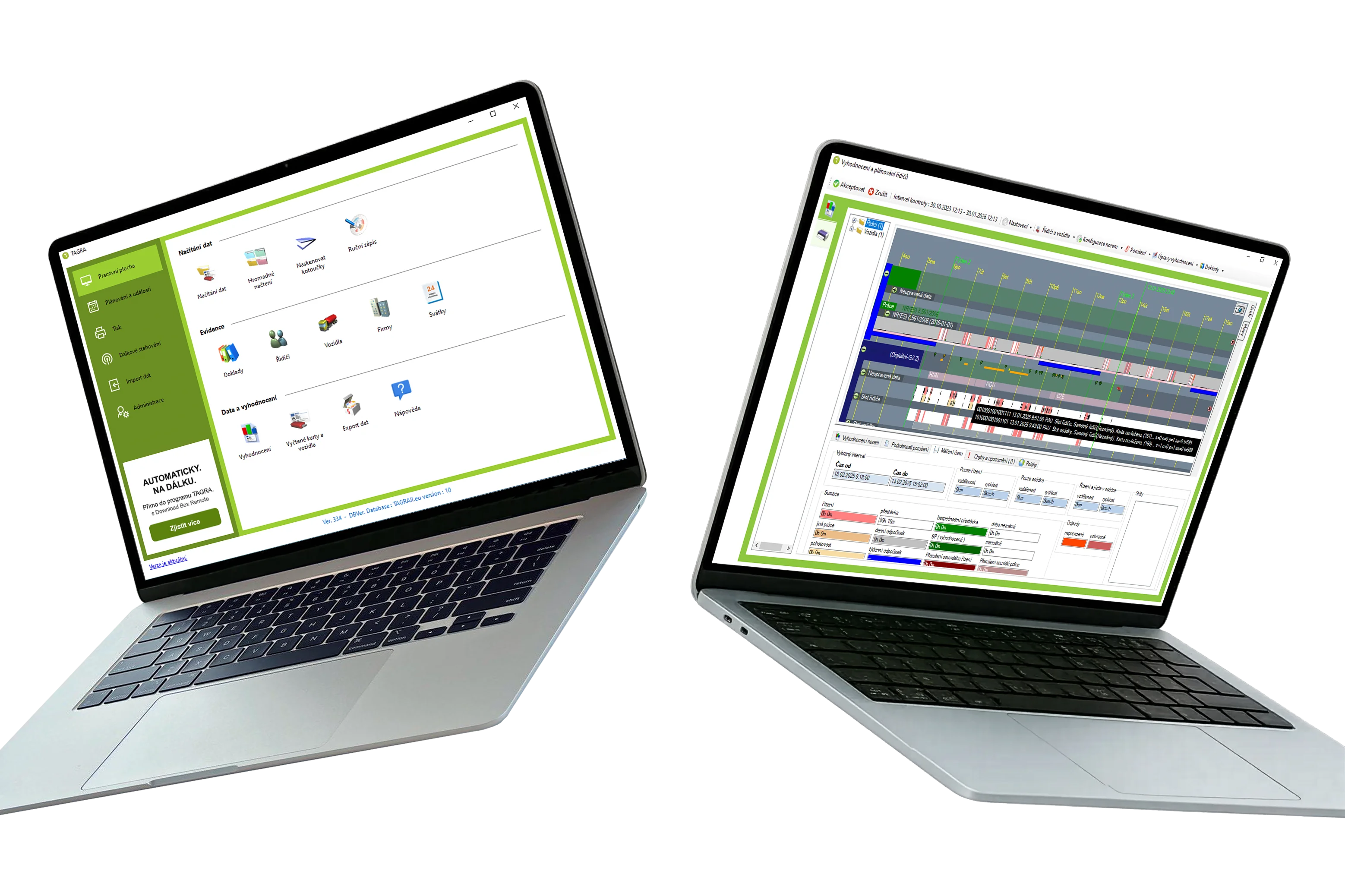
From downloading your tachograph data to legally compliant evaluation and archiving — TAGRA handles the whole process.
From downloading your tachograph data to legally compliant evaluation and archiving — TAGRA handles the whole process.
Connect the Download Box II S to your tachograph and driver cards. Data is transferred to your PC in minutes.
TAGRA automatically analyses driving times, breaks, rest periods and working time against EU 561/2006 and the Working Time Directive.
All data is stored and archived automatically. Reports are ready for any authority inspection at any time.
These are not recommendations — they are legal obligations under Commission Regulation (EU) No 581/2010. Missing a deadline puts you at risk of fines.
Driver card data must be downloaded at least every 28 days. TAGRA tracks deadlines and alerts you in advance.
Vehicle unit data must be downloaded at least every 90 days. All data must be archived for a minimum of 1 year.
Download the installer from tdt.cz. Windows only. No credit card needed.
Use the full software for up to 30 days with your real data. No limitations.
Inside the software, select the version matching your number of vehicles (1, 2, 4, 6 or MAX).
Pay online by QR code or transfer. Licence is issued instantly. Continue in the same environment.
Windows · No credit card · Full version
TAGRA Trucker works the same way — for your driver card
Just plug in your USB reader, insert your card, and TAGRA reads everything automatically.